Content
All copy and pages are carried over in full, nothing gets lost.
CMS migration
For companies migrating an existing website onto a modern, self-editable base. We take over everything that matters. 12-month minimum term, cancel monthly after that.
What comes with it
All copy and pages are carried over in full, nothing gets lost.
Existing images and media are migrated.
Your existing addresses stay reachable or get a clean redirect.
Every old URL is redirected correctly.
Title, description and structured data move over, nothing gets reinvented.
Because content, URLs and metadata stay intact, your Google visibility stays intact too.
Pricing
These prices apply to normal websites. If you have a customer portal or a chatbot integrated, for example, just get in touch. We can of course make that possible too, though depending on scope we may need to quote a different price.
Market comparison
| Market | But Right | |
|---|---|---|
| Complex / custom relaunch | €20,000–50,000+ | from €4,900 |
| Classic agency relaunch | €8,000–25,000 | from €4,900 |
| Freelancer / small team | €5,000–15,000 | from €4,900 |
Sources & market comparison: The prices above are based on published benchmarks for professional website relaunches and CMS migrations. See e.g. TwoPixels, Ucentric Media, RHEINFORMAT, Vibe Digital and adfera. Actual costs vary by scope, technical complexity, design, content, SEO migration and integrations.
Process
We clarify starting point, scope and goal of your migration.
We map content, structure, URLs and technical debt.
Content, images and structure move into the new, CMS-managed base.
Automated tests and a visual comparison across three viewports run against the old site before you review the new site privately on staging.
Redirects take effect, the new site goes live, old addresses stay reachable.
You get CMS access and a short walkthrough.
FAQ
Typically a few days to a few weeks, depending on scope. We give you a concrete timeframe after the analysis.
No. The new site is built and reviewed on staging before it goes live. The switch itself is a technical change with no downtime.
Every existing address gets a matching redirect. No broken links.
Access to the existing site or an export, plus a contact person for questions during the migration.
Yes. Many people see a website as a web app anyway these days. For custom software projects we gladly point you to Software But Right.
References
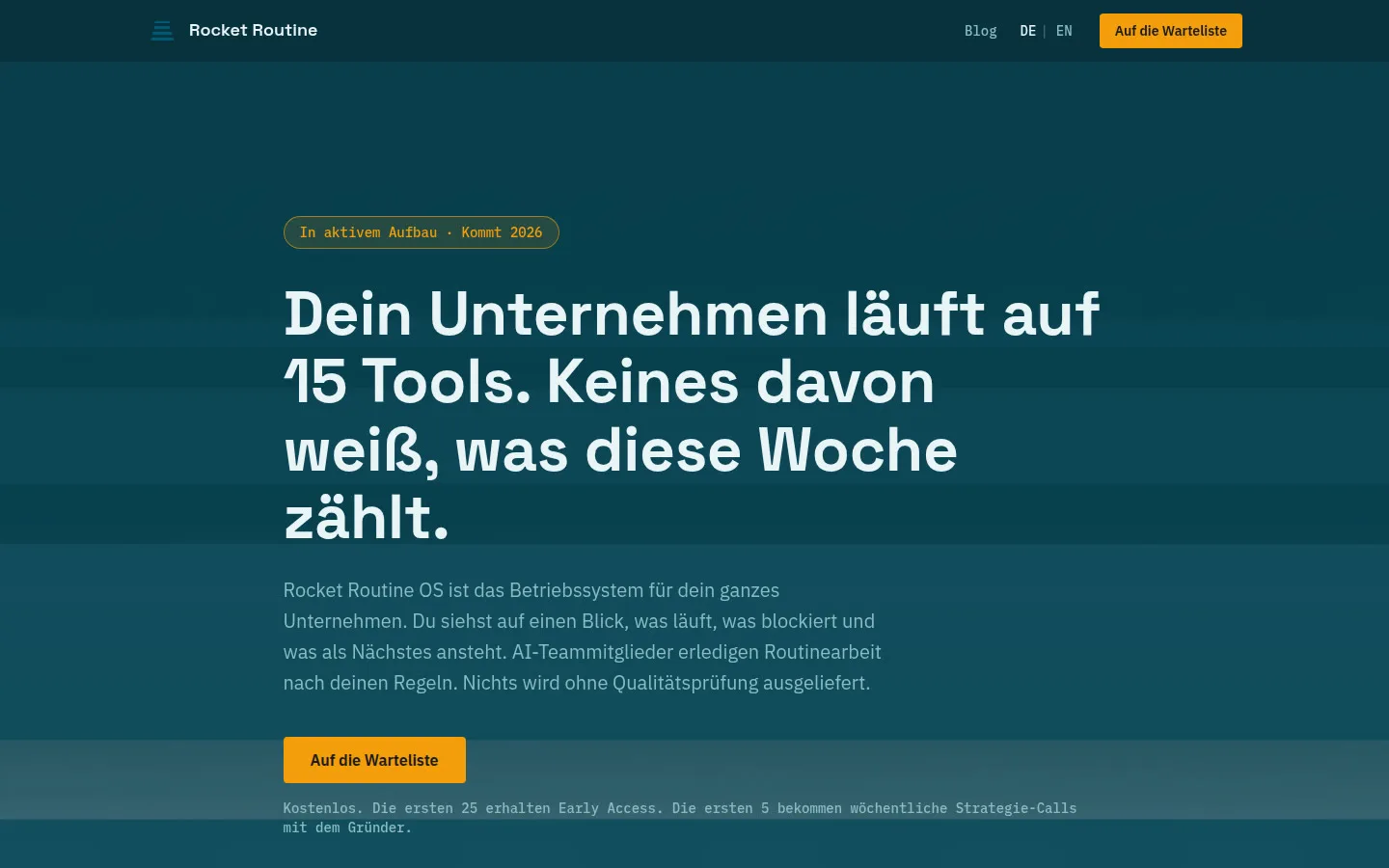
Rebuilt from a vibe-coded site with content transfer and a clean launch.
Case studyView live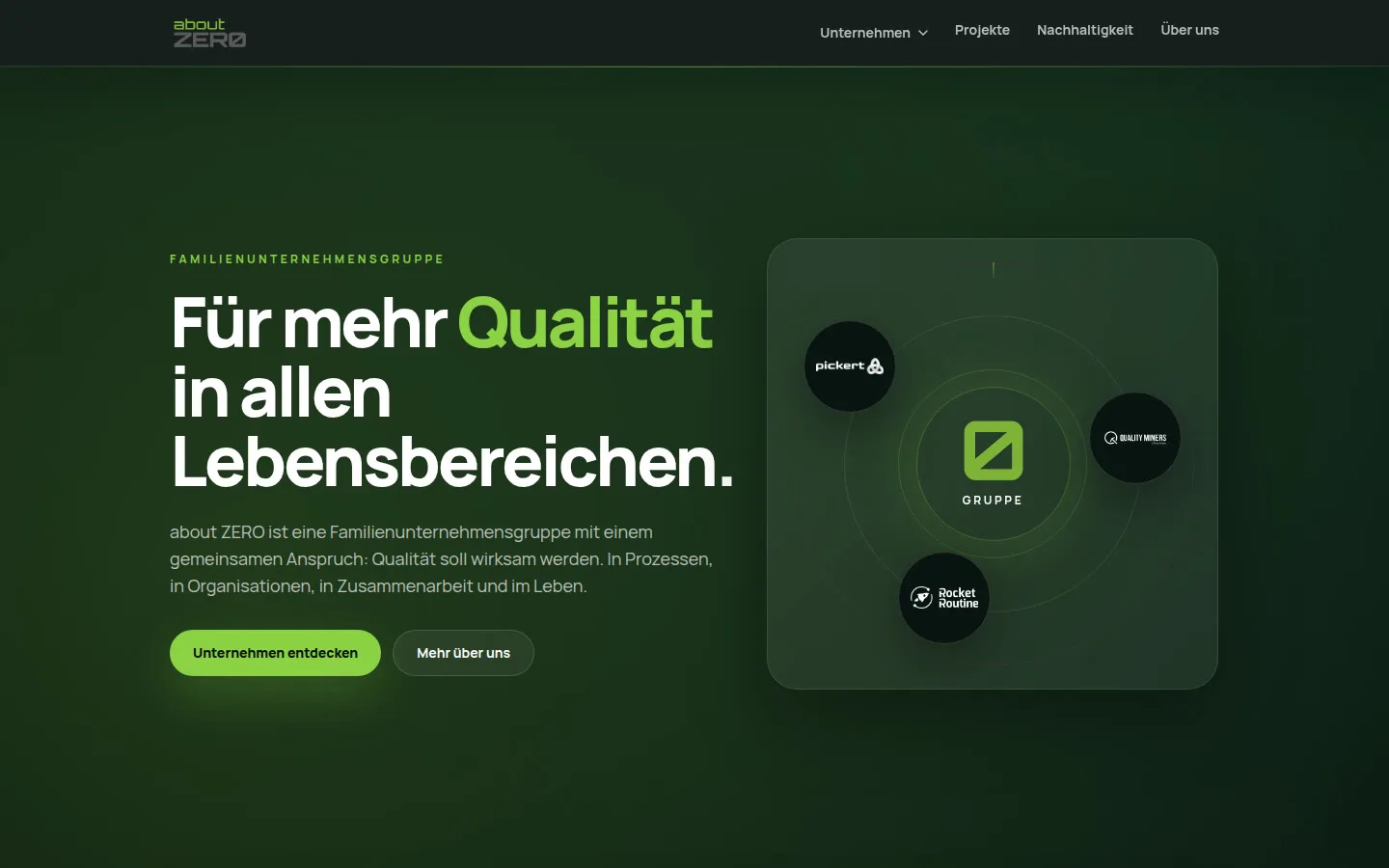
Existing content and brand carried over into a modern, maintainable website.
Case studyView liveNext step
In a short call we clarify scope, timeframe and the right price band.
Pick a slot that works for you.
Book a slotNo calendar, no cookies. Just a short message. We reply personally.
Send message