Replacing WordPress: why more and more companies are switching their CMS
How to tell your website is holding you back
Not every WordPress site is a problem. Many run smoothly for years without anyone complaining.
But there are recurring patterns we keep running into when we talk to companies. If you recognise yourself in several of the points below, that is a pretty clear signal.
Typical signs that your website needs an upgrade:
- Every plugin update causes mild panic, because something has broken before.
- Loading times have noticeably got worse over the last two years.
- Nobody on the team knows exactly which plugins were installed for what.
- Hosting has already been upgraded several times, just to keep the site reasonably fast.
- Small text changes need an agency, because nobody internally dares to touch anything any more.
- Security warnings pile up, and updates get postponed for fear of errors.
If three or more of these apply, an honest look at the alternatives is at least worth it.
The plugin problem: convenience that turns into baggage
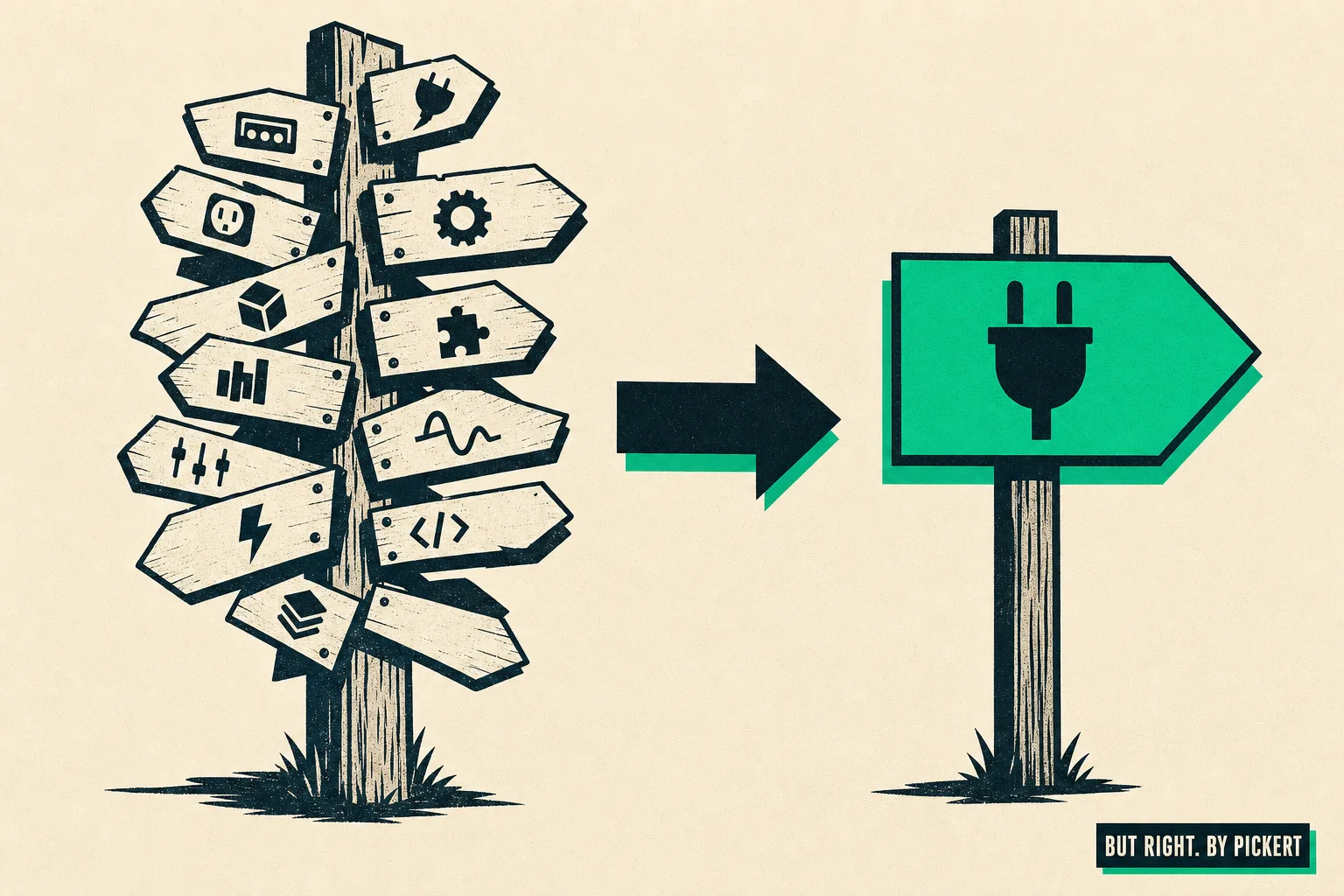
WordPress is quick and cheap at the start. One plugin for SEO, one for forms, one for the shop, one for loading speed. After a few years, five plugins have often turned into thirty or forty.
Each of them brings its own updates, its own dependencies and its own sources of error. One plugin update can break another, without anyone having done anything wrong.
The result: maintenance becomes a full-time job that nobody actually wanted. How many plugins are running on your site right now without you being able to say what each one is for?
Why the site gets slower every year
It is not your imagination. Every additional plugin loads its own CSS, its own JavaScript, sometimes its own database queries.
We see it again and again on client websites: a home page that loaded in under two seconds five years ago now takes five or six. Nobody made it worse on purpose; it simply grew that way over the years.
And loading time is not a purely technical matter. It affects how long visitors stay and how Google rates the site.
Expensive hosting, just to keep up
At some point standard hosting is no longer enough. So you move to a bigger package, then to managed WordPress hosting, then perhaps to your own server setup.
In the end, many companies pay considerably more for hosting than they would actually need to. Not because the site is complex, but because over the years it has piled up technical debt that has to be compensated for.
Are you now paying for hosting that really only makes up for the home-made problems of the last few years?
Grown plugin chains and the creeping loss of control
One plugin builds on another. The third needs the first to work. The fourth was installed because the third had a gap.
That is how chains form that no single person can fully oversee any more. If a plugin is discontinued, or its developer stops maintaining it, it often takes several other functions down with it.
That is the point at which a CMS becomes a security risk. Not because WordPress itself is insecure, but because nobody fully understands the structure that has grown around it.
Vendor lock-in: who actually owns your website?
With Wix and similar website builders there is another concern. The code does not really belong to the company, but to the platform.
Switching provider often means rebuilding everything. No export, no portability, no independence.
With WordPress, too, this is not just a theoretical problem as soon as premium themes and paid plugin licences tied to a particular vendor are involved. Could you export your website line by line today and keep it running somewhere else?
A WordPress alternative for companies: what matters
Anyone who wants to replace WordPress is rarely looking for "just any other CMS". What they want is a low-maintenance website that will not be stuck with the same problems again in three years.
In practice that means fewer moving parts, not more. Not a plugin for every little thing, but a system that brings the most important functions out of the box.
What matters in a real alternative:
- Hosting where data protection and servers located in Germany are the foundation, not an expensive extra.
- Ownership of code and content that can be exported at any time, without asking a provider.
- Fixed, predictable costs for maintenance and further development instead of surprise invoices.
- Updates that run in the background instead of being maintained by hand across dozens of plugins.
A site that "only looks finished" but stays a technical patchwork helps nobody. The goal is a website that actually works under the hood, too.
The biggest fear when switching: losing rankings and visibility
This is where almost every conversation we have on the topic gets stuck. Companies know their website is a pain. They still stay, because a migration sounds like Google visibility that you lose and never get back.
That worry is justified if a migration is done sloppily. But it is not a law of nature.
What Google actually needs in order to keep ranking a site as well as before: reachable content, working internal links and clean redirects whenever URLs change.
What happens when old URLs break
A blog article that has been bringing in organic traffic for three years lives at a particular URL. If that URL changes during the migration without a redirect, Google suddenly sees a page there that no longer exists.
The ranking of that URL decays, sometimes over weeks. That is exactly the nightmare marketing teams are rightly afraid of.
With clean 301 redirects from the old to the new URL, this does not happen. The visibility simply moves along.
What a clean migration really has to deliver
A website migration without data loss does not happen by chance. It is the result of a process that has exactly that as its goal from the start.
A migration is not a restart from zero. It is a move in which nothing may be left lying in the street.
What actually has to happen:
- All existing texts and pages are carried over completely; nothing gets lost.
- Images and other media are migrated, including file names and alt texts.
- Existing URLs either stay reachable or are cleanly redirected to the new address.
- Metadata such as page titles and meta descriptions is kept or deliberately improved.
- Internal links between pages stay intact.
If content, URLs and metadata are kept, Google visibility is, as a rule, kept too. That is not a guarantee, but a very reliable pattern.
Images, metadata and the small print
This is exactly where many migrations fail that look good on paper. Images are transferred, but the alt text gets lost. Page titles are regenerated instead of being carried over.
At first glance these are not big mistakes. Added up, they still weaken visibility noticeably.
A serious migration checks this in detail, not just page by page, but field by field.
What a CMS switch costs on the market
Prices for website migrations vary widely; you can see that quite clearly in tenders and quote comparisons.
Rough guide values, as we come across them on the market:
- Freelancer offers are often between 5,000 and 15,000 euros, depending on scope and experience.
- Classic agency relaunches usually range between 8,000 and 25,000 euros or more.
- Large, complex projects with many subpages and system integrations are often 20,000 to 50,000 euros and above.
These ranges are not an exact study, but an observation from quotes we see regularly. Still, they show a pattern: the price depends less on the technology itself than on how much manual work goes into the process.
A hand-crafted design with many individual subpages almost always costs more than a migration that relies more on standardised building blocks. Both approaches have their place, depending on how much a website needs to stand out visually.
What many offers lack is transparency about the running costs afterwards. The one-off amount for the switch is only half the bill; the other half is the monthly maintenance in the years that follow.
Checklist: how to recognise a serious migration
Before you decide on a provider, a sober look at the process is worthwhile. Which questions do you actually ask before anyone touches your URLs?
Checklist before the switch:
- Is there a complete content analysis of the existing site before anything is migrated?
- Are all URLs recorded and mapped one by one to the new structure?
- Is there a staging environment where you test the new site before launch?
- Are automated tests run before the site goes live?
- Do you own the code and content at the end, or are you tied to a provider again?
- Do you get a handover or training so that you can maintain the site yourself?
If an agency cannot answer these questions clearly, that is a warning sign, not a detail.
When switching pays off and when it does not
To be honest: not every website needs to be migrated. A small, well-kept WordPress site with three plugins and an attentive admin often runs without any problems at all.
Switching usually pays off when maintenance eats up more time than it is really worth, or when security warnings have become routine. Growing hosting costs for the same performance are a signal, too.
An example we come across often: a marketing team spends several hours a month on plugin updates and small fixes. Converted to an internal hourly rate, that quickly adds up to a few hundred euros a month, for work that does not bring in a single new customer.
The honest answer at this point is: it depends. A migration is not an end in itself; it has to solve a concrete problem. How many hours a month does your team spend on things a modern website should really handle by itself?
Conclusion: the next step is yours
The plugin chaos, the slow loading times, the expensive hosting: they do not go away on their own. They get a little bigger every year, while the fear of switching stays the same.
The good news: with a clean migration, rankings, content and URLs can be taken along completely. The question is no longer whether a switch is possible, but how much longer you want to live with your current solution.
How much time and nerves has your website cost you this year alone?
If you are at the point where you want to answer that question concretely: at websites. but-right. we have tailored a CMS migration to exactly that, in which content, images and URLs are carried over completely, including clean redirects and a staging review before launch. You will find the process and the costs in detail on our CMS migration page.